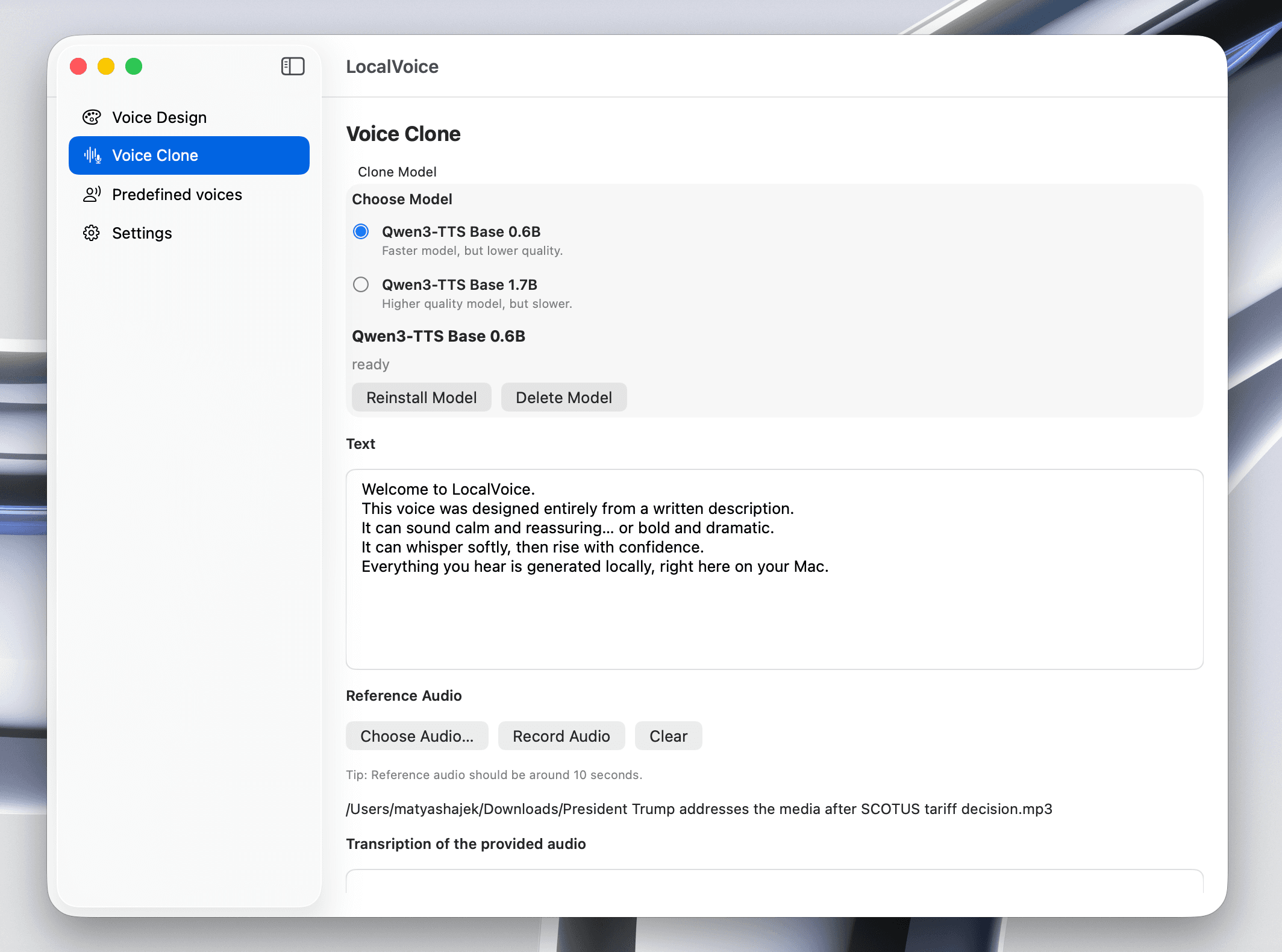
Voice Cloning
Generate speech in the style of a reference voice using a short audio sample.
LocalVoice
LocalVoice
LocalVoice runs directly on your Mac. No cloud rendering, no account login, and no monthly subscription required.
Generate natural speech from text, shape the voice style, and export WAV files for editing, publishing, or internal tools.
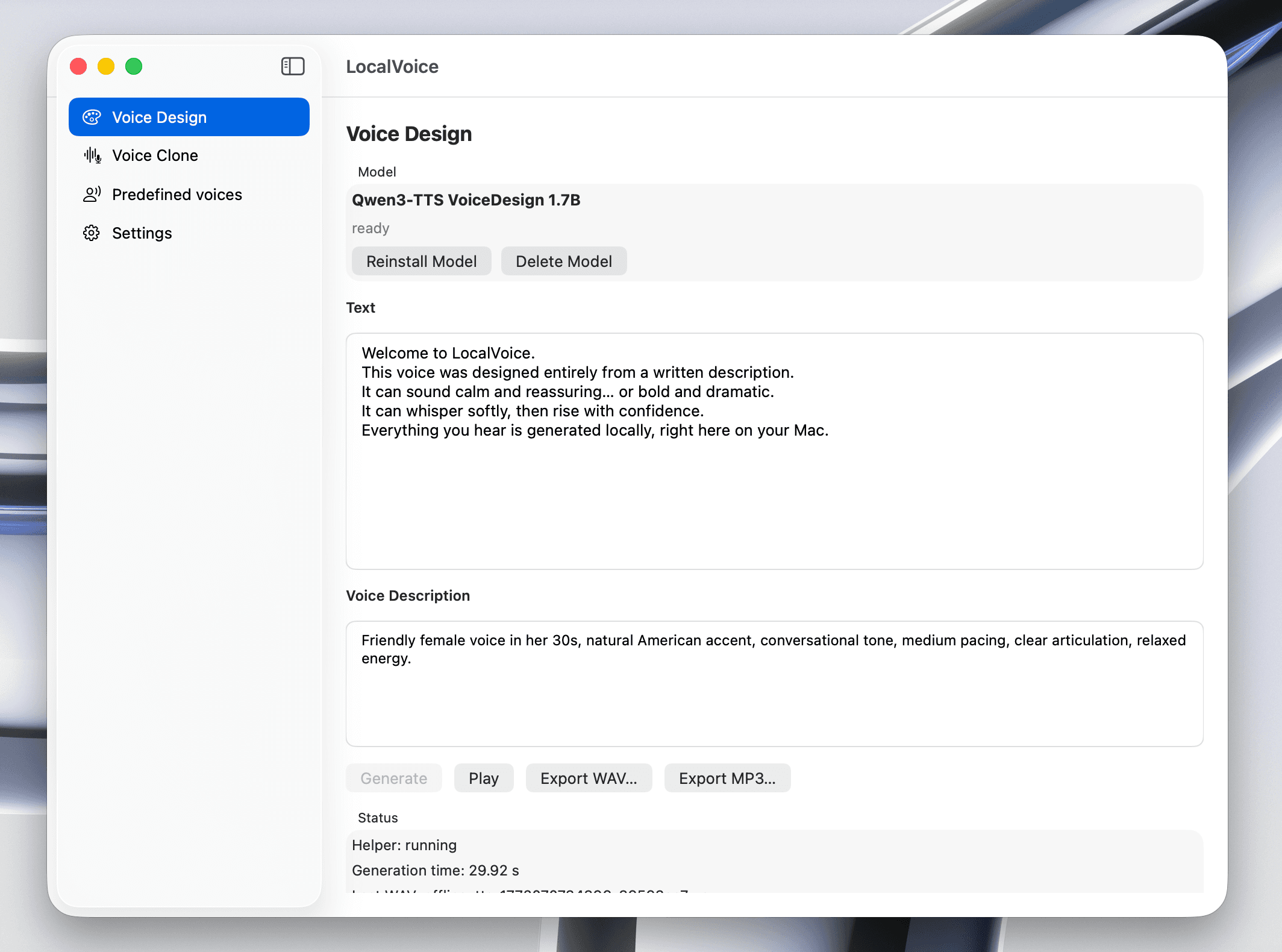
Example audio
Generate speech in the style of a reference voice using a short audio sample.
Control how the voice sounds by describing the speaker: tone, age, gender, mood, accent, and more.
All voice generation runs locally on your Mac.
Natural, expressive, studio-level voice output.
Export to WAV for use in videos, games, podcasts, or content creation.
LocalVoice gives you a complete AI voice studio, directly on your Mac.
No accounts. No internet required. Just powerful voice generation, fully local.
Most text-to-speech products rely on cloud rendering and account infrastructure. LocalVoice is desktop-first and offline-first, so private scripts do not have to pass through third-party servers.
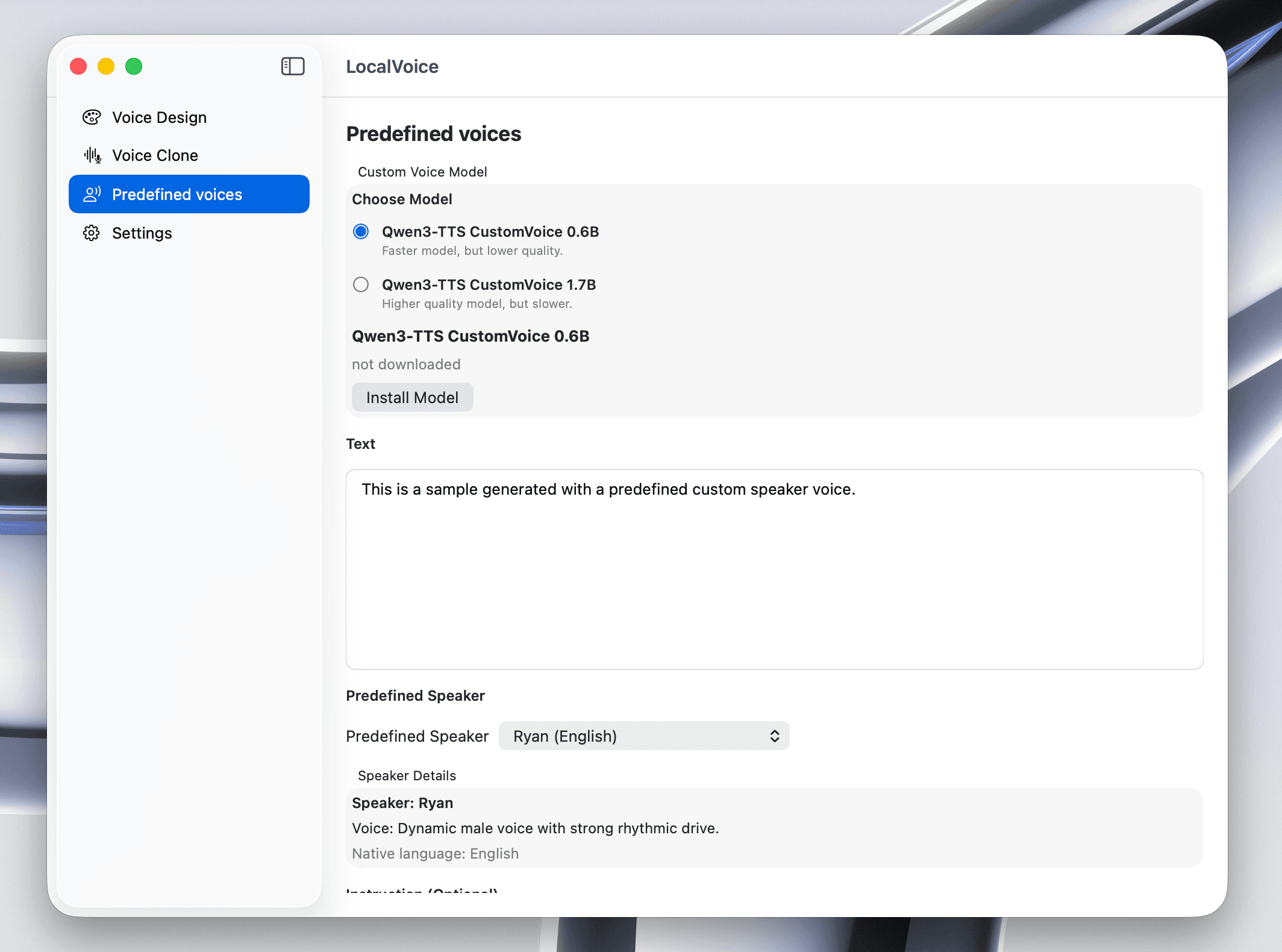
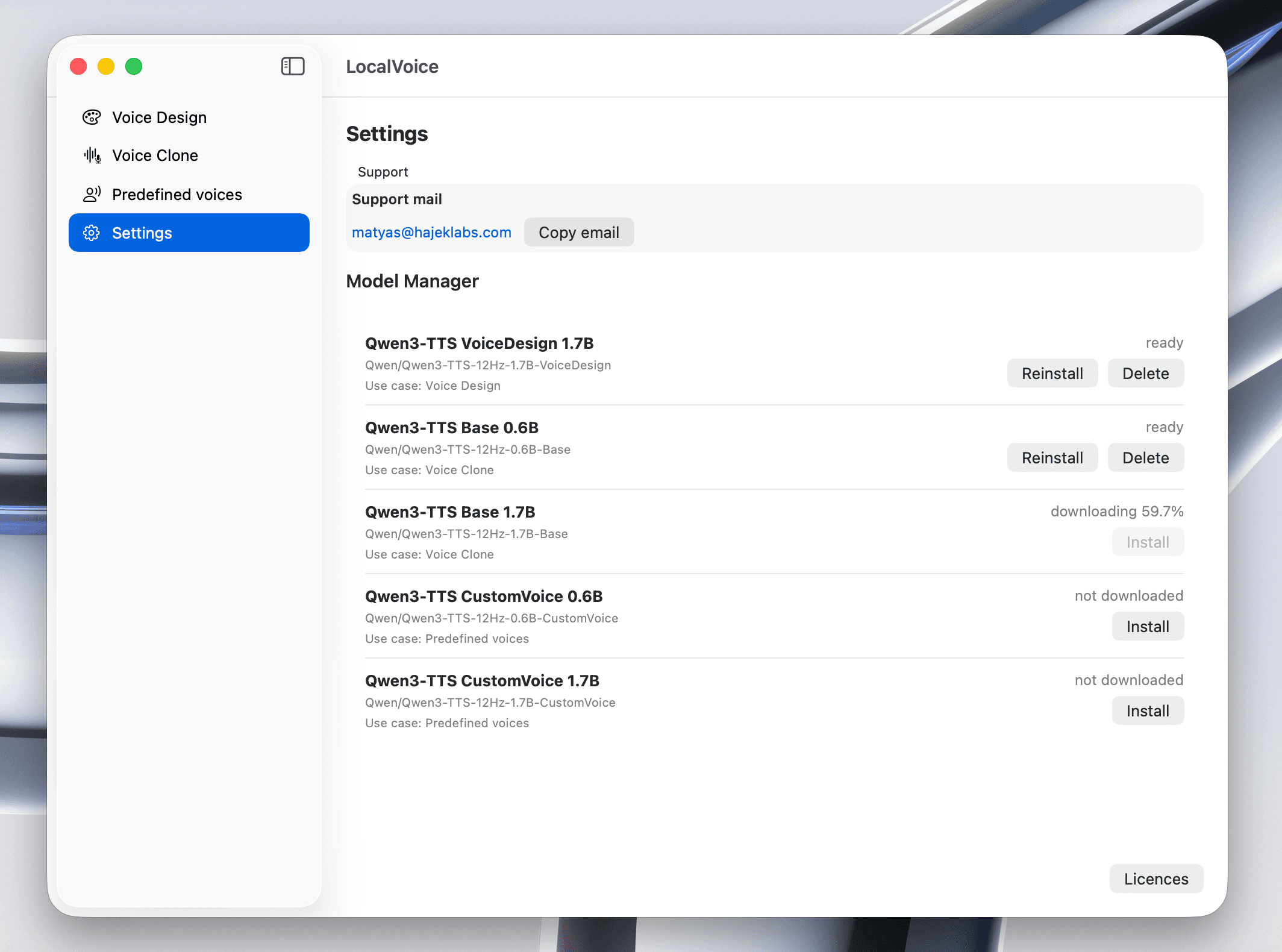
No account setup. No internet requirement. Just local text-to-speech on your Mac.
No. After installation you can work fully offline, including generation and export.
Yes, commercial use is allowed.
macOS 13 or newer. Apple Silicon is recommended for shorter generation times.
No subscription and no cloud usage meter. It is a one-time purchase.
LocalVoice supports English, Chinese, Japanese, Korean, German, French, Russian, Portuguese, Spanish, and Italian.